
About In The Mix: Hi, I’m Michael Wynne, a Scottish audio engineer.
That faint hiss underneath your guitar take. The room hum embedded in your vocal recording. These aren’t just minor annoyances — they can make an otherwise great performance sound unprofessional. The good news: there’s a technique that removes noise from the entire recording, not just the silent edges.
What You’ll Learn
- Learn how to isolate and sample a noise profile from any recording
- Discover how to denoise both direct instrument signals and microphone recordings
- Master the Edison workflow in FL Studio for precise noise removal
- Learn how to handle vocals processed through tape emulation or other noise-adding effects
- Discover a creative workaround when no clean noise sample exists in your recording
Why This Matters
Basic trimming and gating only silence noise between notes — the moment you play or sing, the hiss and hum come right back. For producers and home studio engineers, this is a constant frustration that erodes the polish of an otherwise solid mix.
With sample-based denoising, you teach your tool exactly what the noise sounds like, and it removes that signature from every millisecond of the clip. This works on guitars, vocals, room recordings — virtually any source where unwanted noise is consistent.
Denoising a Guitar Signal Step by Step
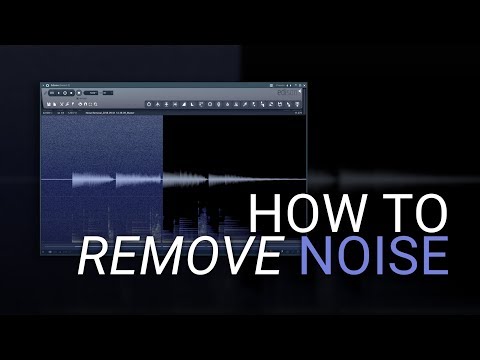
Michael walks through a raw guitar recording that contains audible hiss and hum, most obvious at the tail of the sample. The workflow involves double-clicking the clip to access the waveform view, then right-clicking to open the Edison editor. From there, you select a region that contains only noise — no musical content — and use that as the noise profile. Edison then applies that profile across the full clip, surgically reducing the noise floor while preserving the tone of the instrument.
The key insight here is that the noise profile must come from a section with zero signal. Even a few milliseconds of clean noise floor is enough to work with.
Handling Vocals and Difficult Sources
Vocal recordings present a unique challenge: the noise floor is often baked in from the room, the mic preamp, and any processing like tape emulation. Selecting a clean noise-only section from a mic recording is harder than from a direct input, but the principle is the same — find even a brief gap before the performance begins.
When no usable noise section exists at all, the fix is surprisingly practical: generate or download a static noise WAV that matches the character of your recording, and use that as your reference sample. This technique extends the method to situations most engineers assume are unsolvable.
Discover the full analysis by In The Mix and follow along with the exact steps to clean up your recordings in under 8 minutes.